
Instruments: keys, guitar and bass
Sounds, sustain and hold, the guitar’s chord shapes and strumming, the string pad, the bass, and the “Plays on” wheel.
-
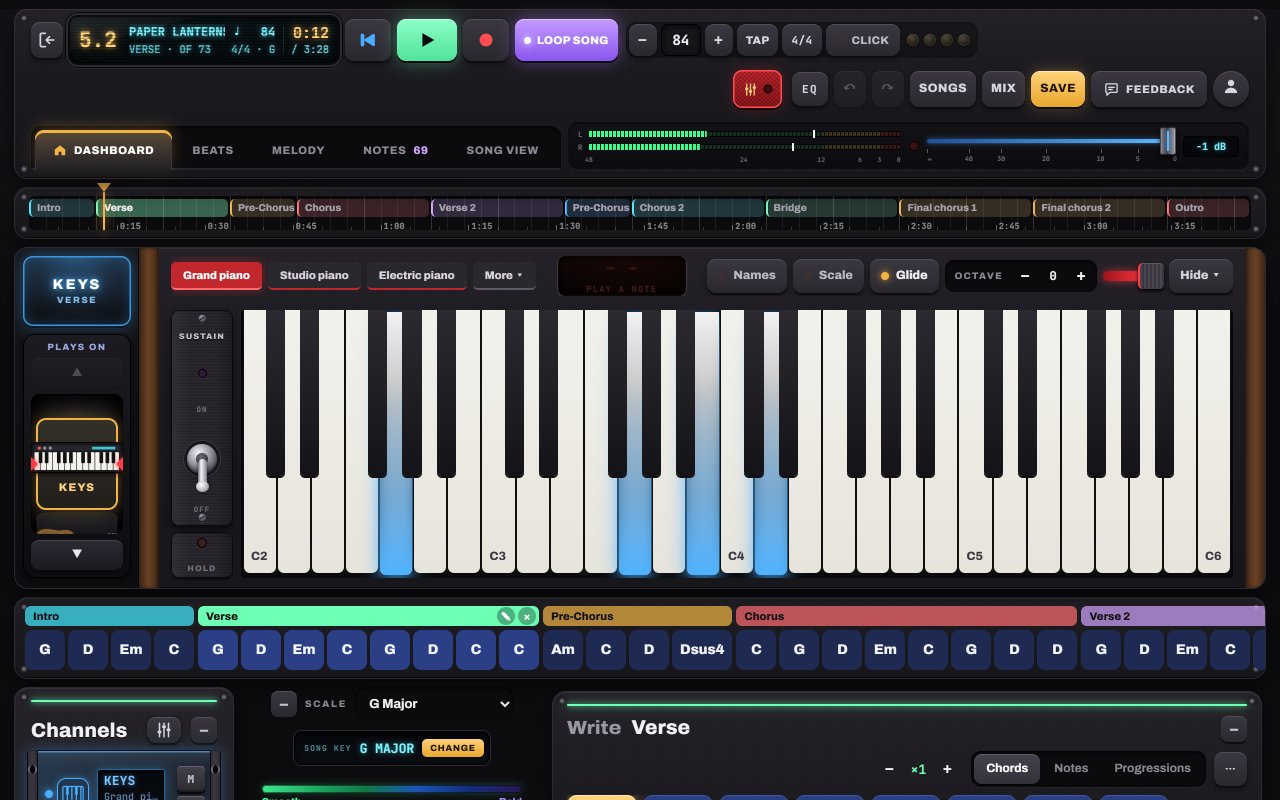
Play the keys
The keyboard plays with every finger (multi-touch), and Glide lets you slide across the keys. Pick a sound; each part of the song can use its own. Sustain works like a pedal; Hold keeps notes ringing until you turn it off.
- 1Sounds: grand, studio, electric piano, organ, pads…
- 2Sustain switch and Hold
- 3Glide: slide across the keys
- 4Octave
-
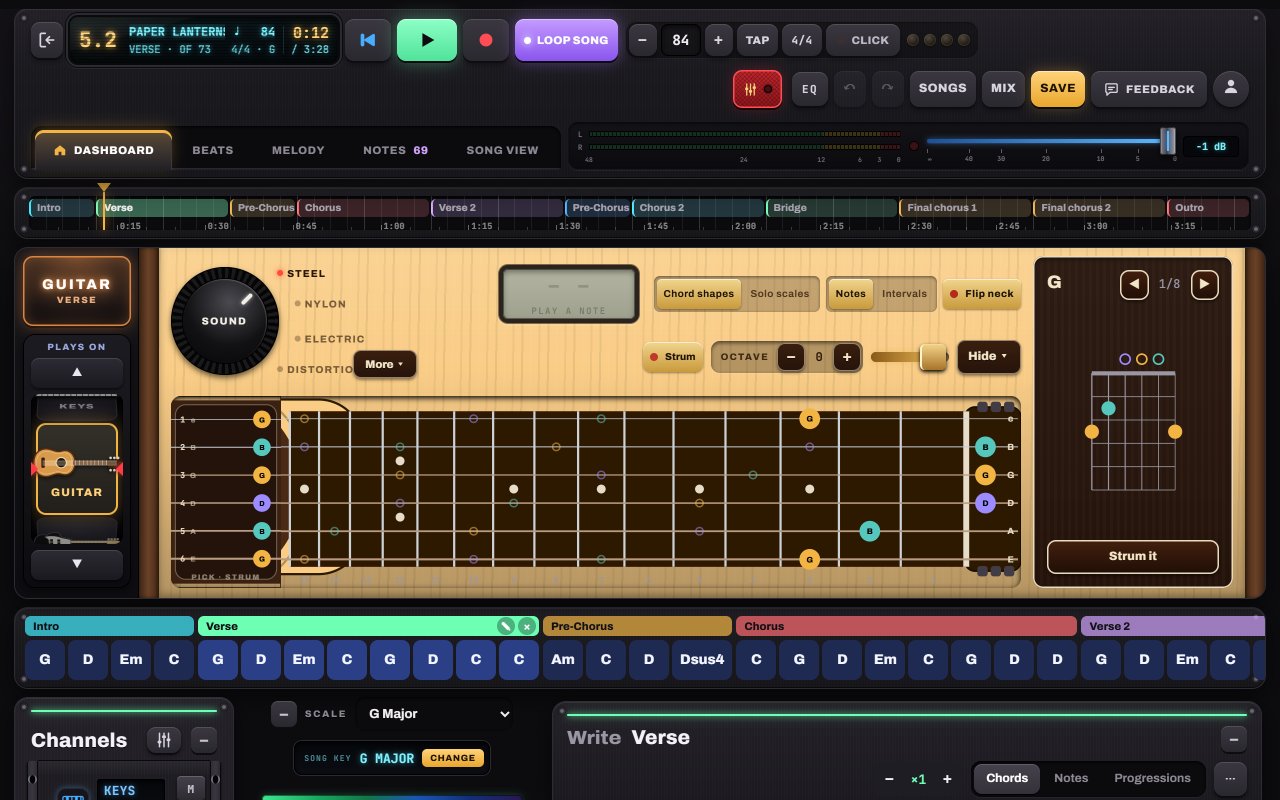
Play the guitar
The neck shows the chord shape for the bar you’re on. Drag a finger across the strings to strum (faster is louder), hold a fret with one finger and strum with another to play your own chord, or switch to Solo scales. The string pad by the neck lets you pick strings one at a time.
- 1SOUND knob: Steel, Nylon, Electric, Distortion
- 2Chord shapes or Solo scales
- 3A real fretboard: drag across the strings to strum
- 4The chord box and its shapes
- 5String pad: pick your own arpeggio
-
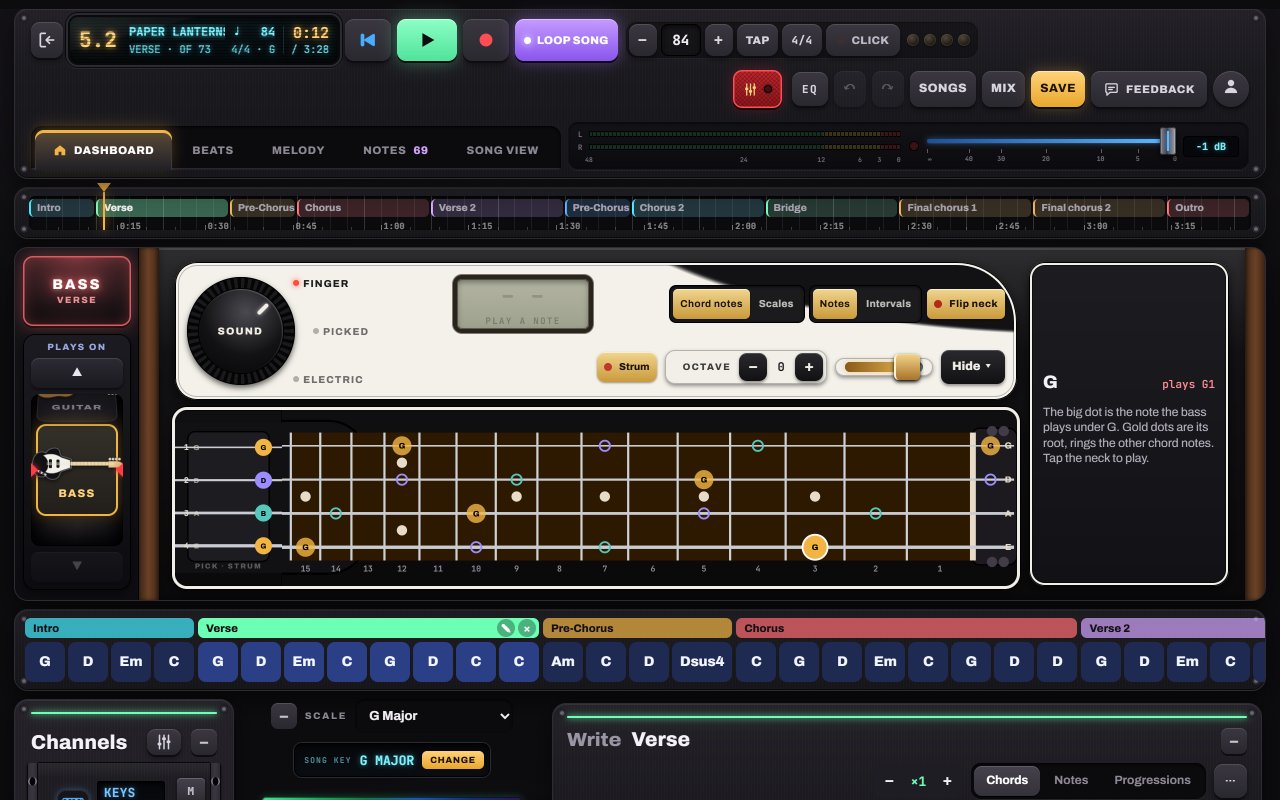
Hold down the bass
The bass follows your chords automatically (roots on Hold and Pulse, the arp’s bass row on Arp). Choose Bass or Electric with the sound knob, play it on its own neck, or write your own bass line in Chord by chord.
-
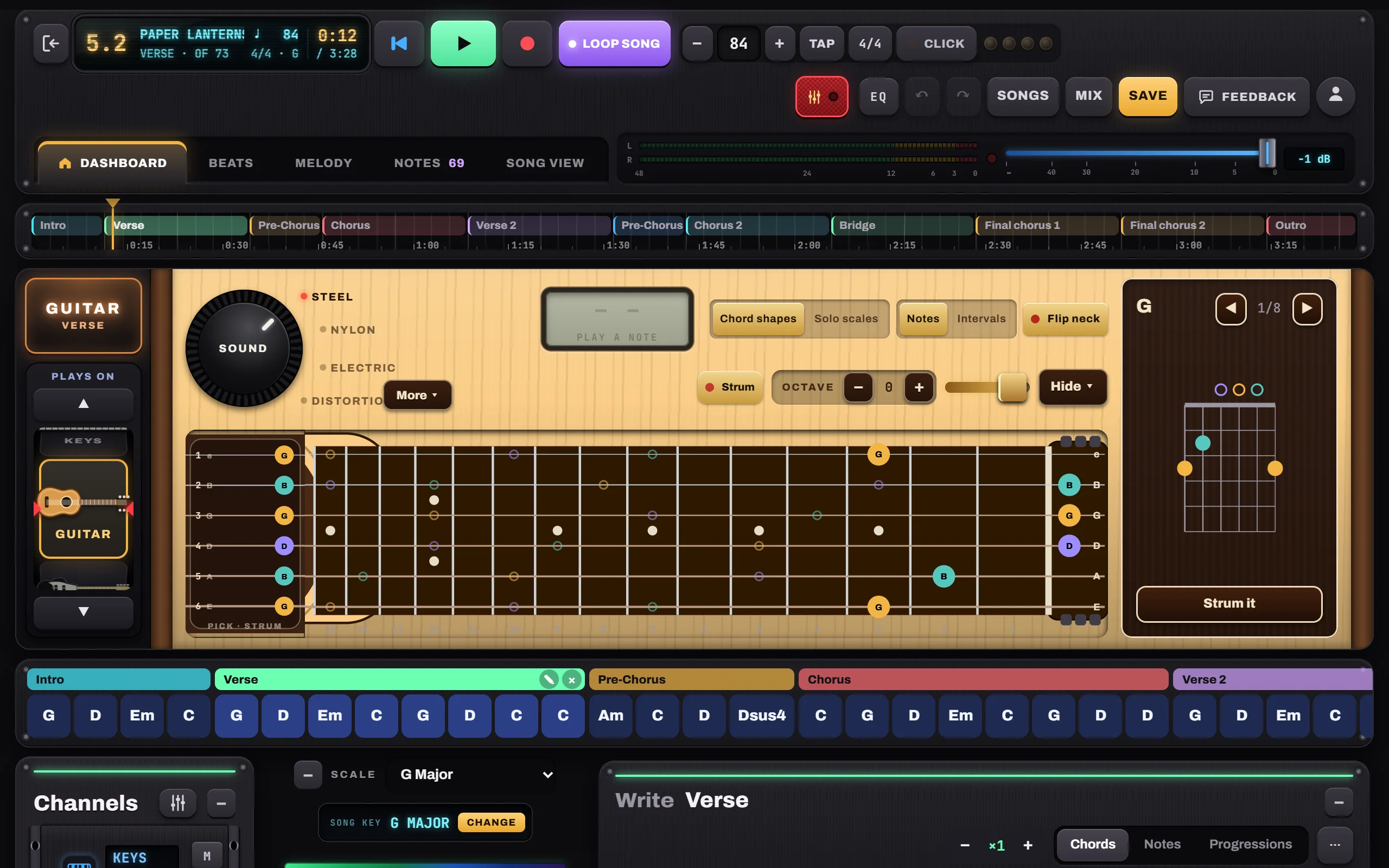
Swap instruments with “Plays on”
The Plays on wheel turns the instrument over: the Keys channel can play its part on a guitar in the intro and on piano in the chorus. It’s saved per part, and the instrument flips round to match.
- 1Plays on: Keys, Guitar or Bass


Hear it in a sample song
- Slow Rewind · Pop ballad
- Gravel Road Waltz · Folk / acoustic
- Velvet Hours · R&B / neo-soul