
Saving, sharing, installing and working offline
Save songs on your device, export a song file, share a song code, install the app from your browser and use it with no internet.
-
Save your song
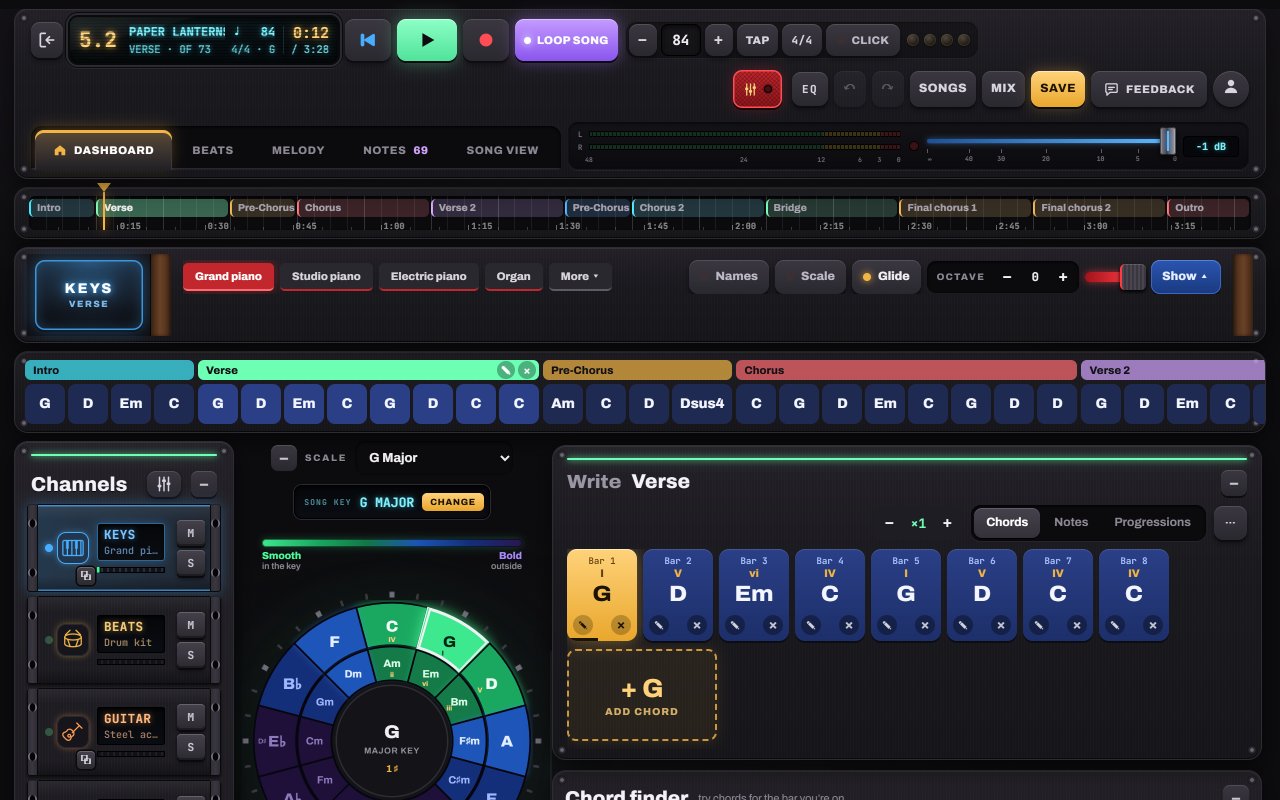
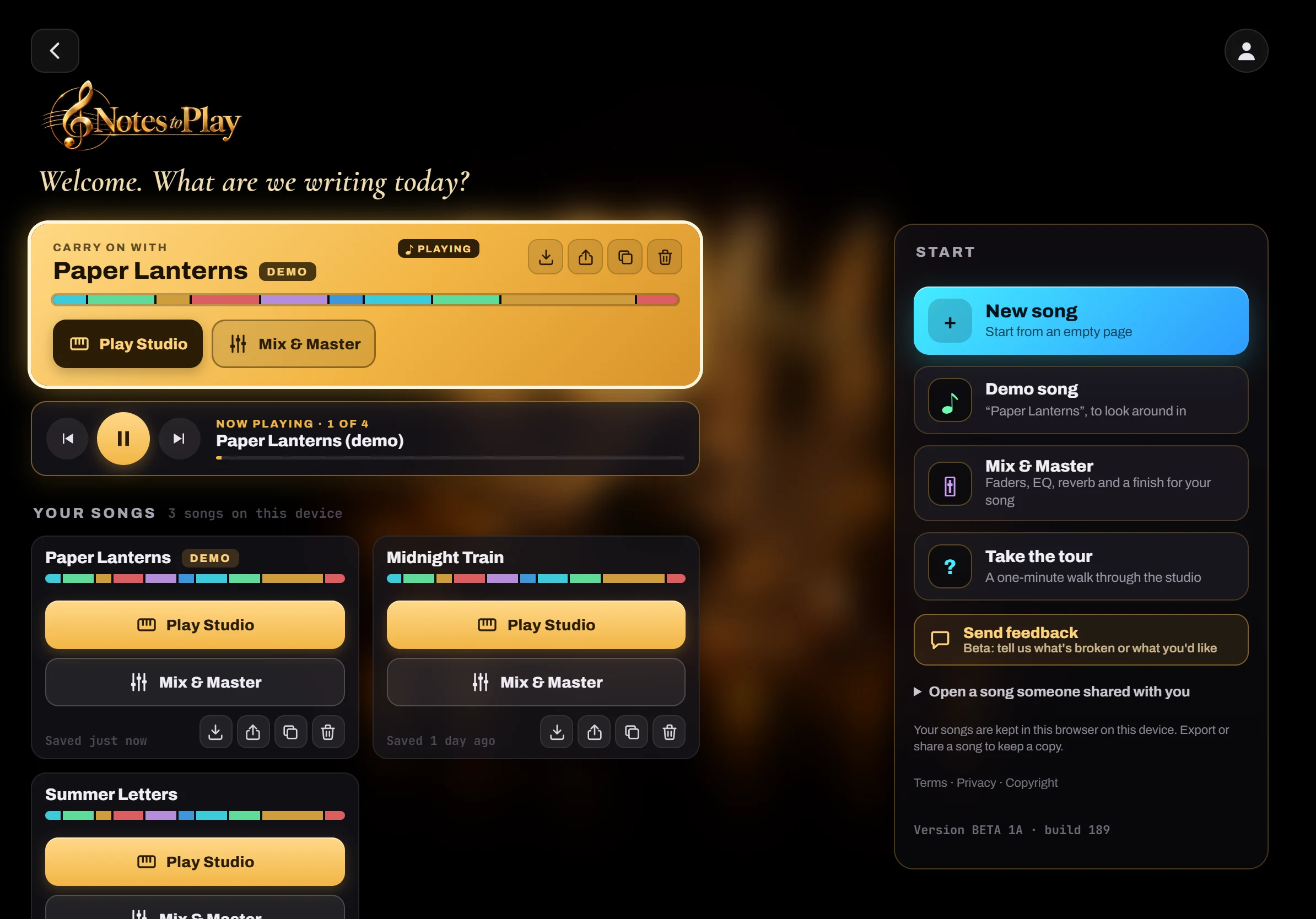
Tap Save. Songs are kept in this browser on this device. No account, no upload. Your saved songs appear as cards on the Start screen.
- 1Save
- 2Songs
- 3Mix: open this song in Mix & Master
-
Export, duplicate or share
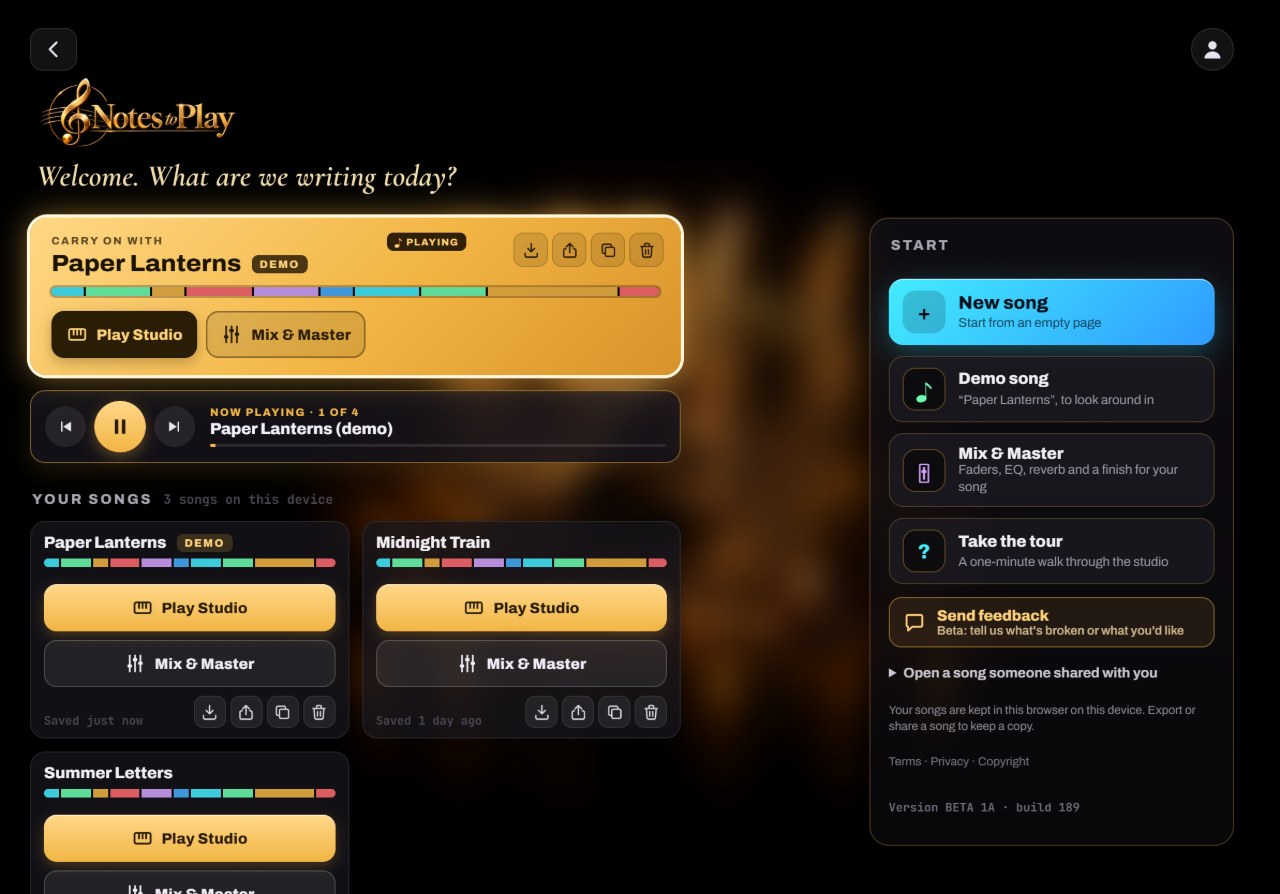
Every song card has quick buttons: Export downloads a song file, Share sends a song code (or uses your tablet’s share sheet), Duplicate makes a copy. Paste a code under Open a song someone shared with you to open it. Play all plays your songs one after another, and the one playing lights up.
- 1Export · Share · Duplicate · Delete
- 2Open a song someone shared with you
- 3Play all: listen to your songs one after another
Tip: Export regularly to keep a backup. Clearing the browser’s site data deletes songs stored in it.
-
Install it and go offline
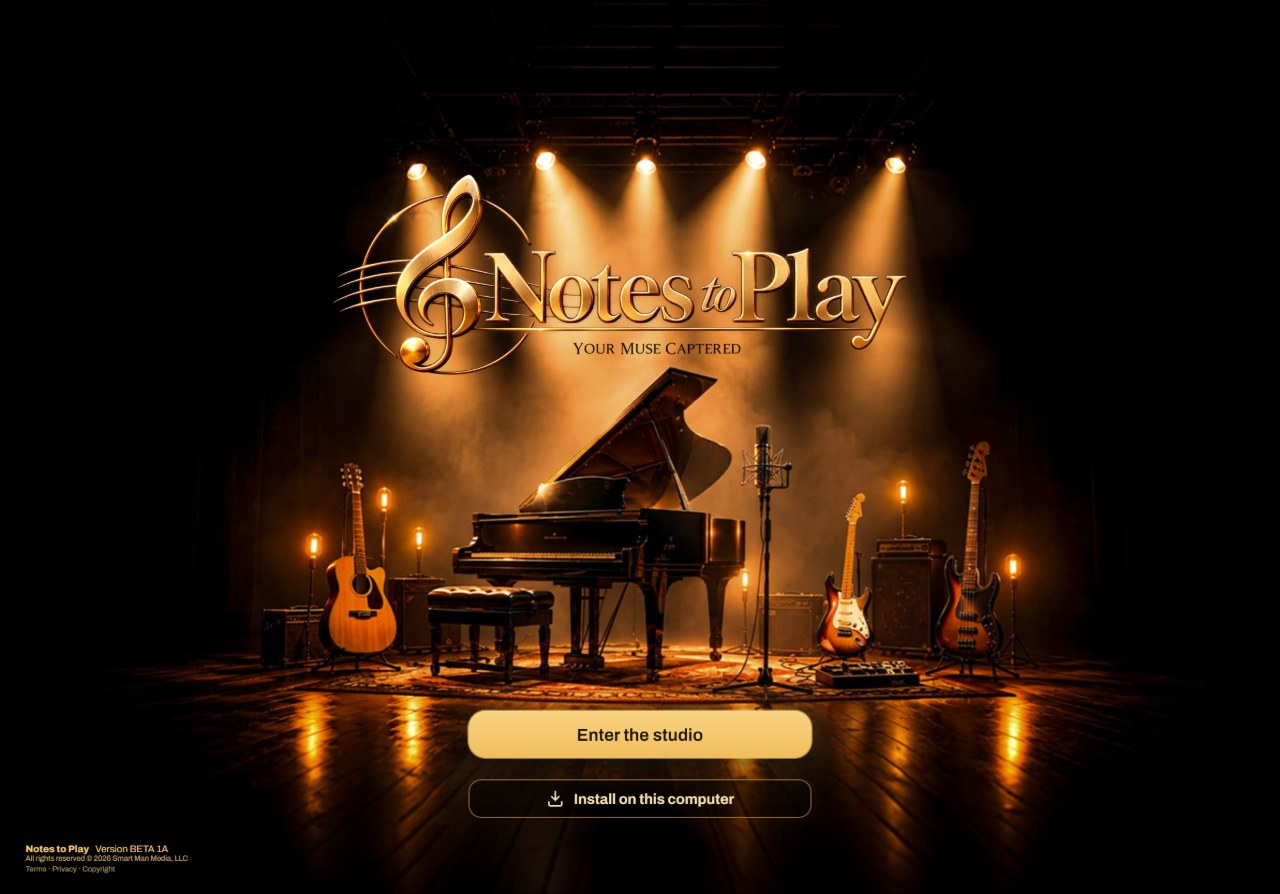
Tap Install under Enter the studio (or use your browser’s install menu, see Download). After the first visit, the whole studio and its sounds are kept on the device, so it opens and plays with no internet.
- 1Install on this computer / Add to Home screen

Hear it in a sample song
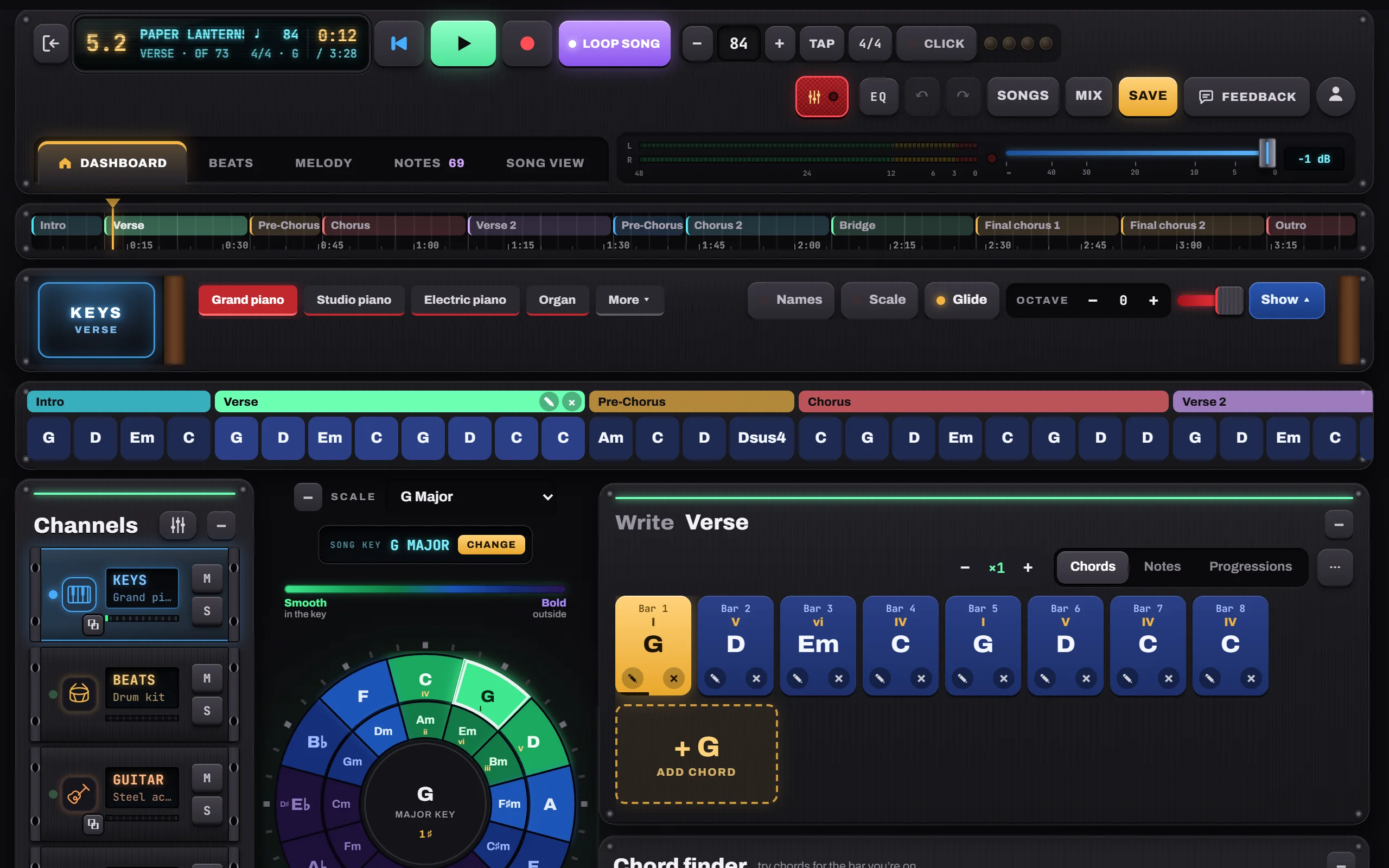
- Paper Lanterns · Demo song · pop / folk
- Slow Rewind · Pop ballad
- Gravel Road Waltz · Folk / acoustic